Ship Client‑Ready Edits,
Ship Client‑Ready Edits,
Every Single Time.
Every Single Time.
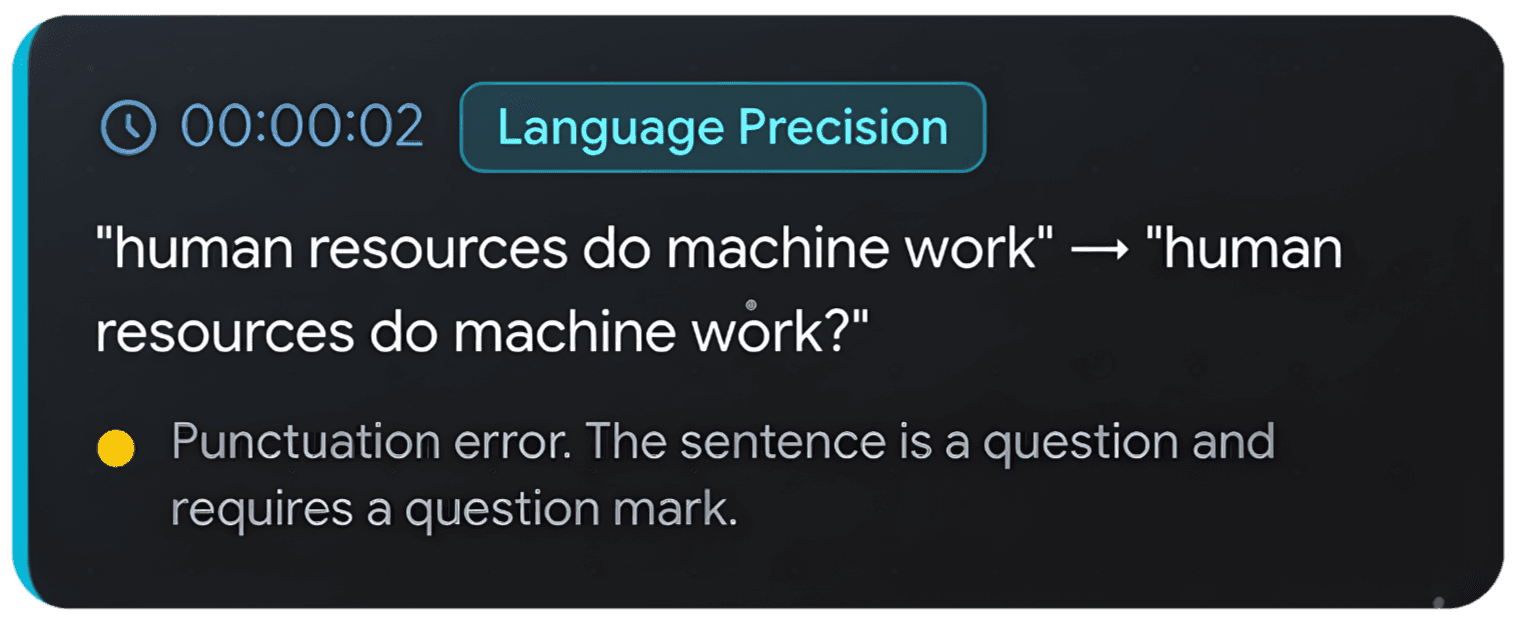
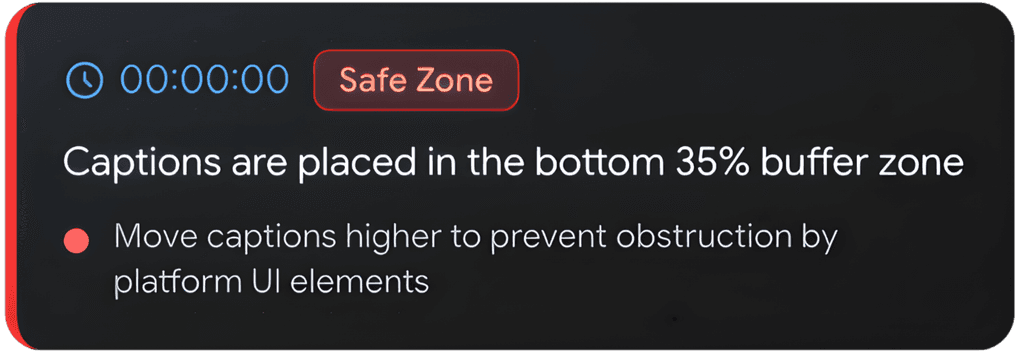
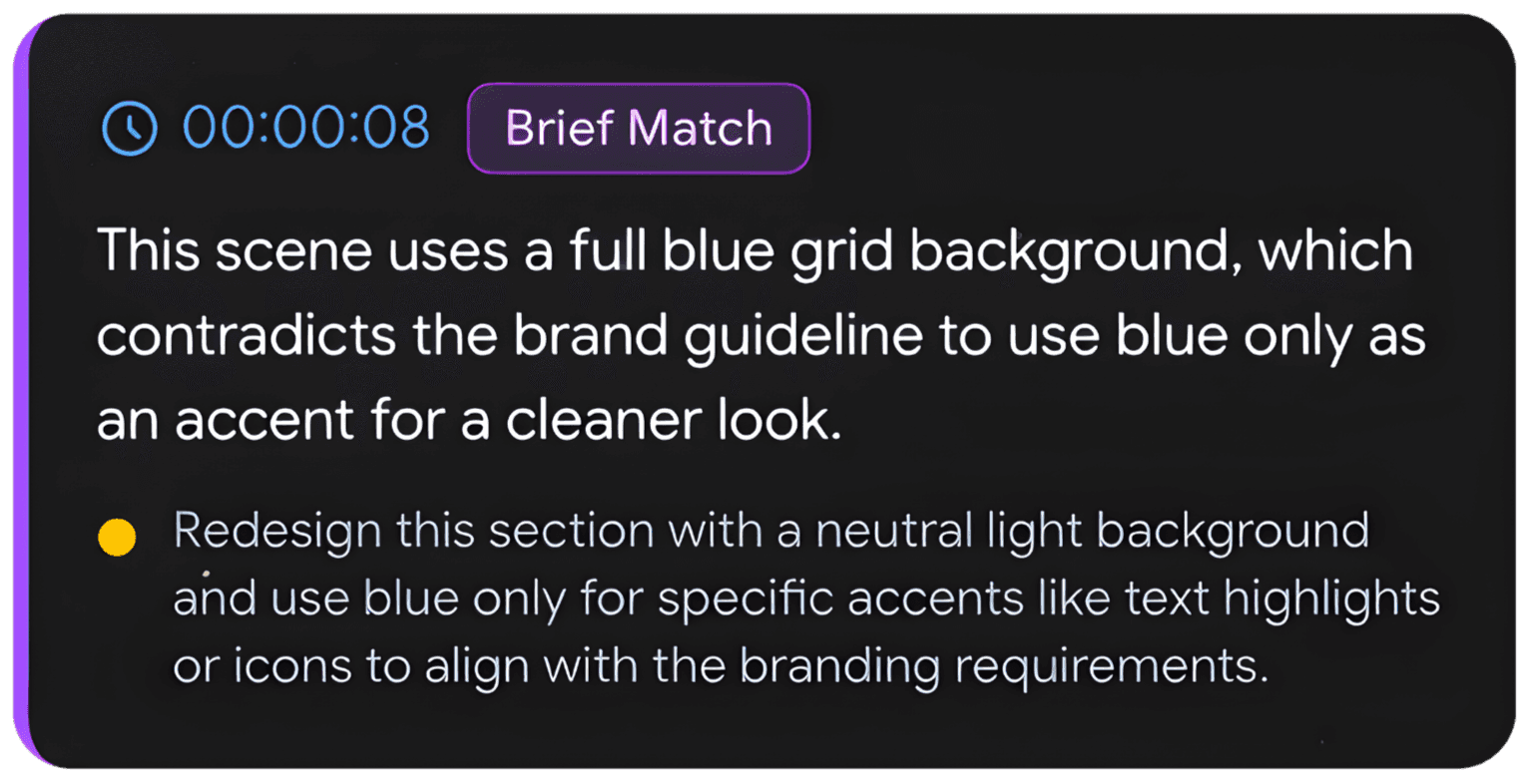
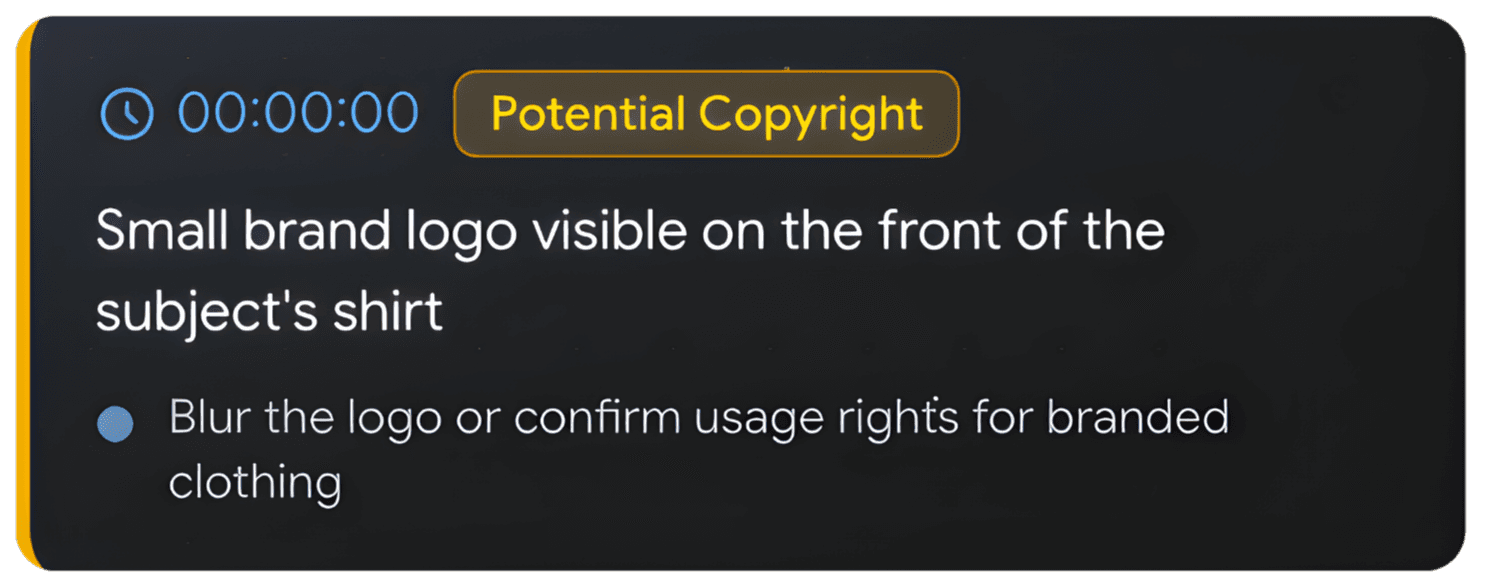
Professional-grade AI Quality Control for your edits. Detect typos, brand safety risks, and UI safe-zone errors with an automated scan delivered in minutes.
Professional-grade AI Quality Control for your edits. Detect typos, brand safety risks, and UI safe-zone errors with an automated scan delivered in minutes.
Features
AI Powered QC
AI Powered QC
QC Done in
4 Simple Steps
QC Done in
3 Simple Steps
No complex setup. No learning curve.
Upload, scan, fix and deliver with confidence.
No complex setup. No learning curve.
Upload, scan, fix and deliver with confidence.
Step 1
Upload Your Video
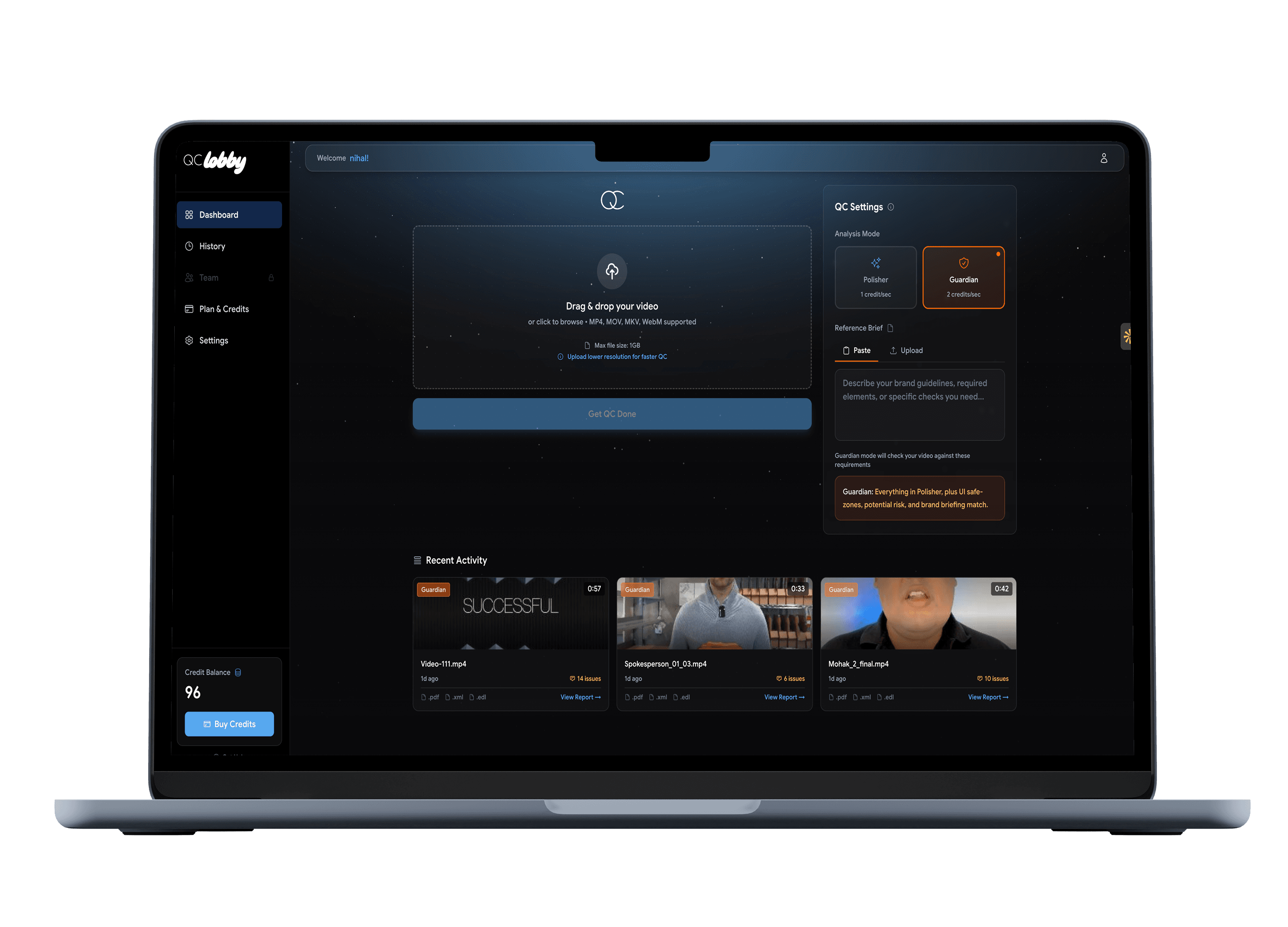
Drag and drop your video file MP4, MOV, or MKV.
Step 1
Upload Your Video
Drag and drop your video file MP4, MOV, or MKV.
Step 2
Select Your QC Level
Select the level of scrutiny your edit needs. Choose The Polisher for a lightning-fast linguistic and grammar scan, or The Guardian for a deep-dive into brief compliance, safe zones, and brand safety.
Step 2
Select Your QC Level
Select the level of scrutiny your edit needs. Choose The Polisher for a lightning-fast linguistic and grammar scan, or The Guardian for a deep-dive into brief compliance, safe zones, and brand safety.
Step 3
Fix & Deliver
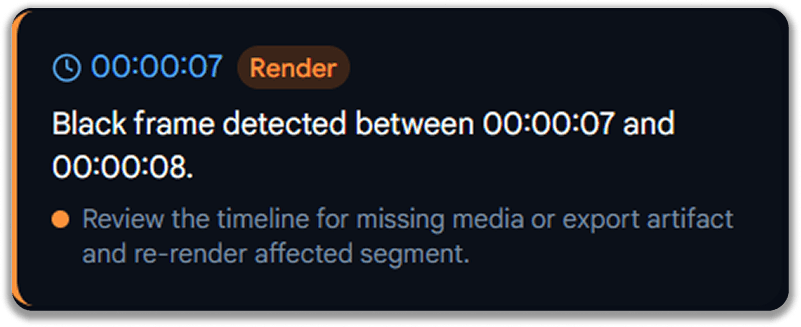
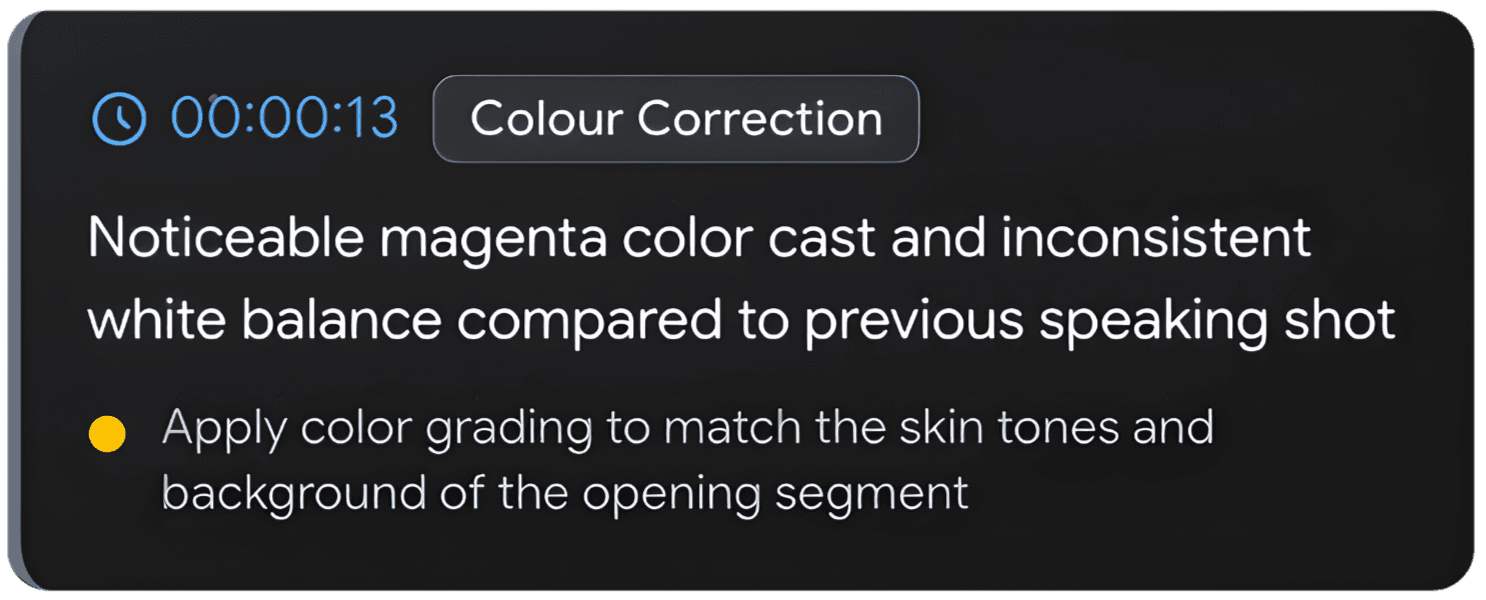
Receive a timestamped list of red flags in minutes. Review findings in a clean PDF or export markers directly into Premiere Pro or DaVinci Resolve to fix every issue instantly.
Step 3
Fix & Deliver
Receive a timestamped list of red flags in minutes. Review findings in a clean PDF or export markers directly into Premiere Pro or DaVinci Resolve to fix every issue instantly.
Client-Ready PDF
Download your flagged comments in whatever format your workflow needs, ready to drop into your editing suite or share directly with your client.
Client-Ready PDF
Download your flagged comments in whatever format your workflow needs, ready to drop into your editing suite or share directly with your client.
Edit Decision List
Drop directly into Premiere Pro or DaVinci Resolve. Every flagged timestamp becomes an instant edit point, no manual searching required.
Edit Decision List
Drop directly into Premiere Pro or DaVinci Resolve. Every flagged timestamp becomes an instant edit point, no manual searching required.
Universal Sharing
Export and share QC feedback anywhere. From clients to team members, keep everyone aligned with clear, actionable comments.
Universal Sharing
Export and share QC feedback anywhere. From clients to team members, keep everyone aligned with clear, actionable comments.
Universal XML
Compatible with Final Cut Pro and most professional editing pipelines. A universal format that fits into any studio workflow without friction.
Universal XML
Compatible with Final Cut Pro and most professional editing pipelines. A universal format that fits into any studio workflow without friction.
Step 4
Take Your QC Report Anywhere
Take Your QC Report Anywhere
Download your flagged comments in whatever format your workflow needs, ready to drop into your editing suite or share directly with your client.
Download your flagged comments in whatever format your workflow needs, ready to drop into your editing suite or share directly with your client.
Testimonials
Some Words From Happy Users
Some Words From Happy Users
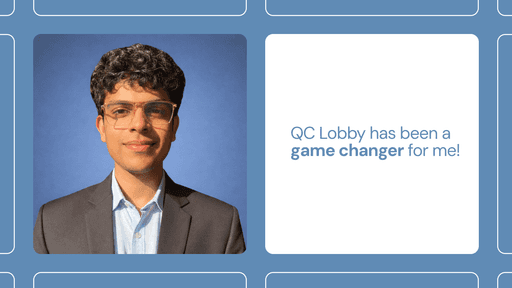
" QC Lobby has been a game changer for me. It’s simple, straightforward, and incredibly easy to use."
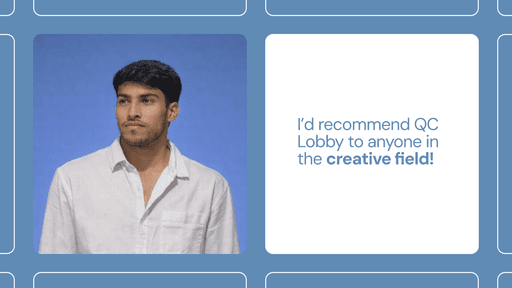
"I’d recommend QC Lobby to anyone in the creative field. It works great whether you're part of an agency or an independent editor."
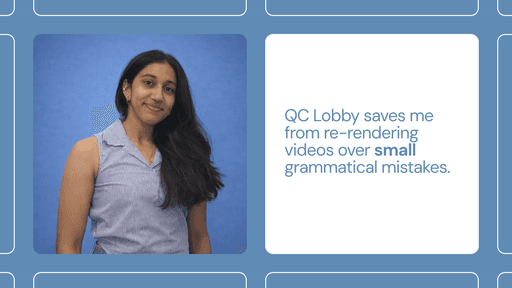
"QC Lobby saves me from re-rendering videos over small grammatical mistakes. It catches these issues early and saves a lot of time."
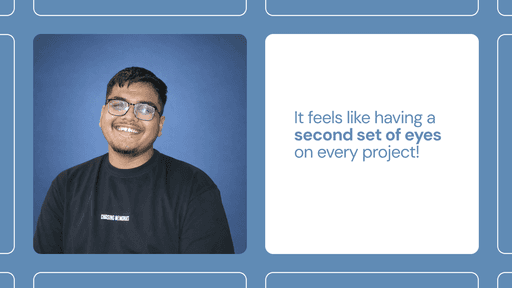
"It feels like having a second set of eyes on every project. I’d recommend QC Lobby to anyone in the creative space."
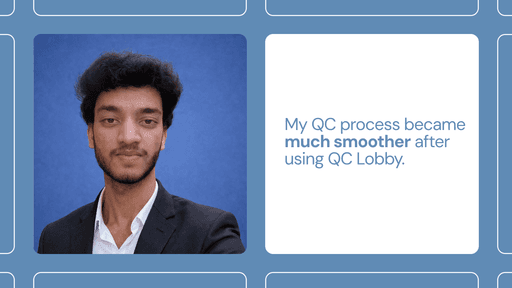
"My QC process became much smoother after using QC Lobby. It gives me more confidence before delivering work to clients."
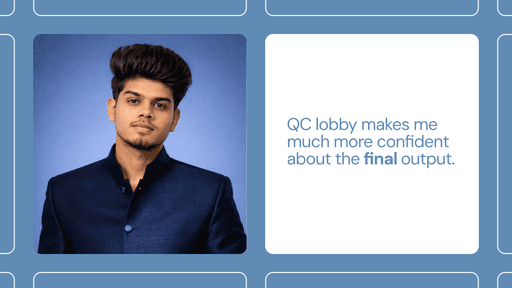
"QC Lobby helps me quickly spot grammatical errors in my edits. It makes me much more confident about the final output."
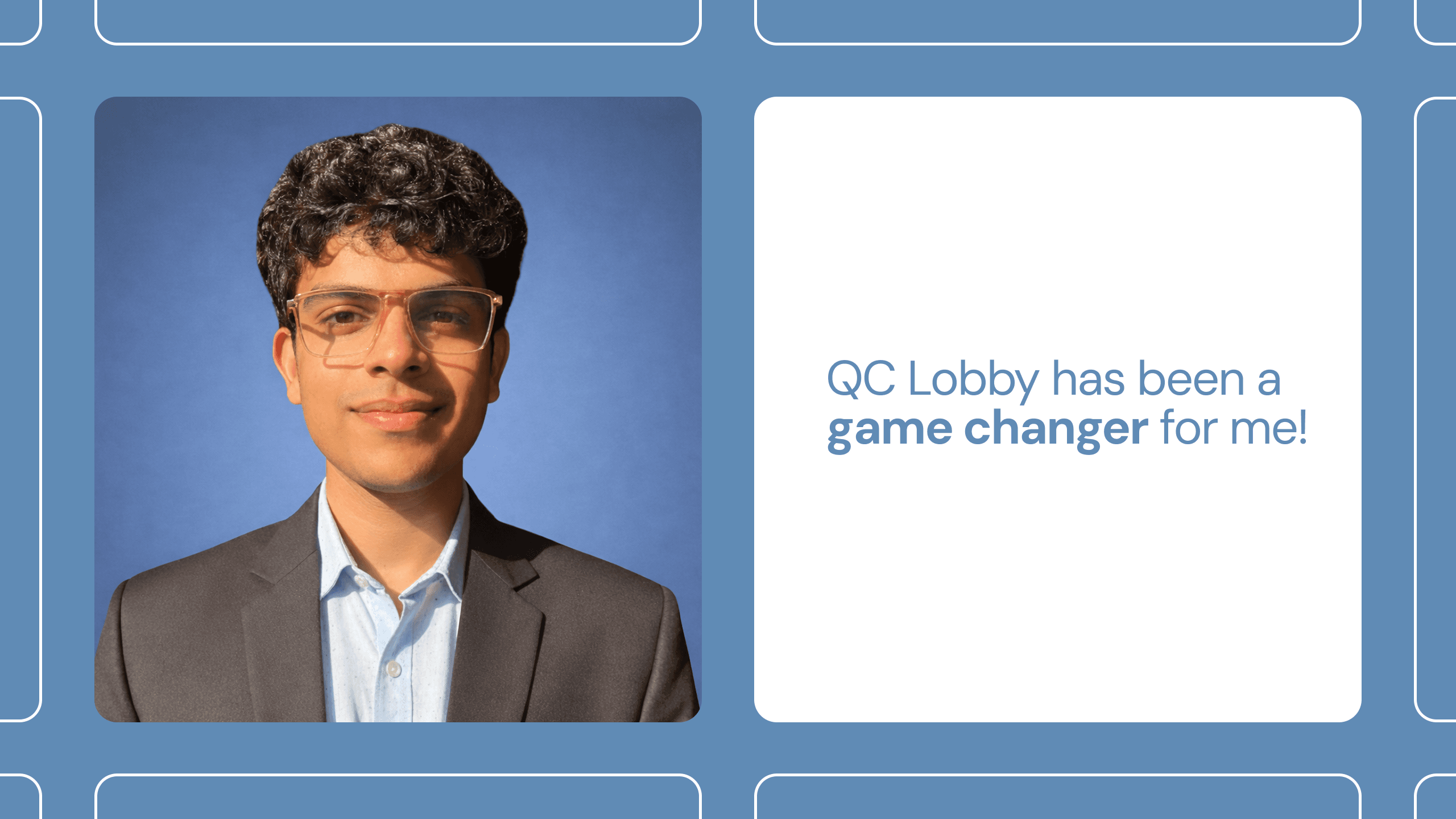
" QC Lobby has been a game changer for me. It’s simple, straightforward, and incredibly easy to use."
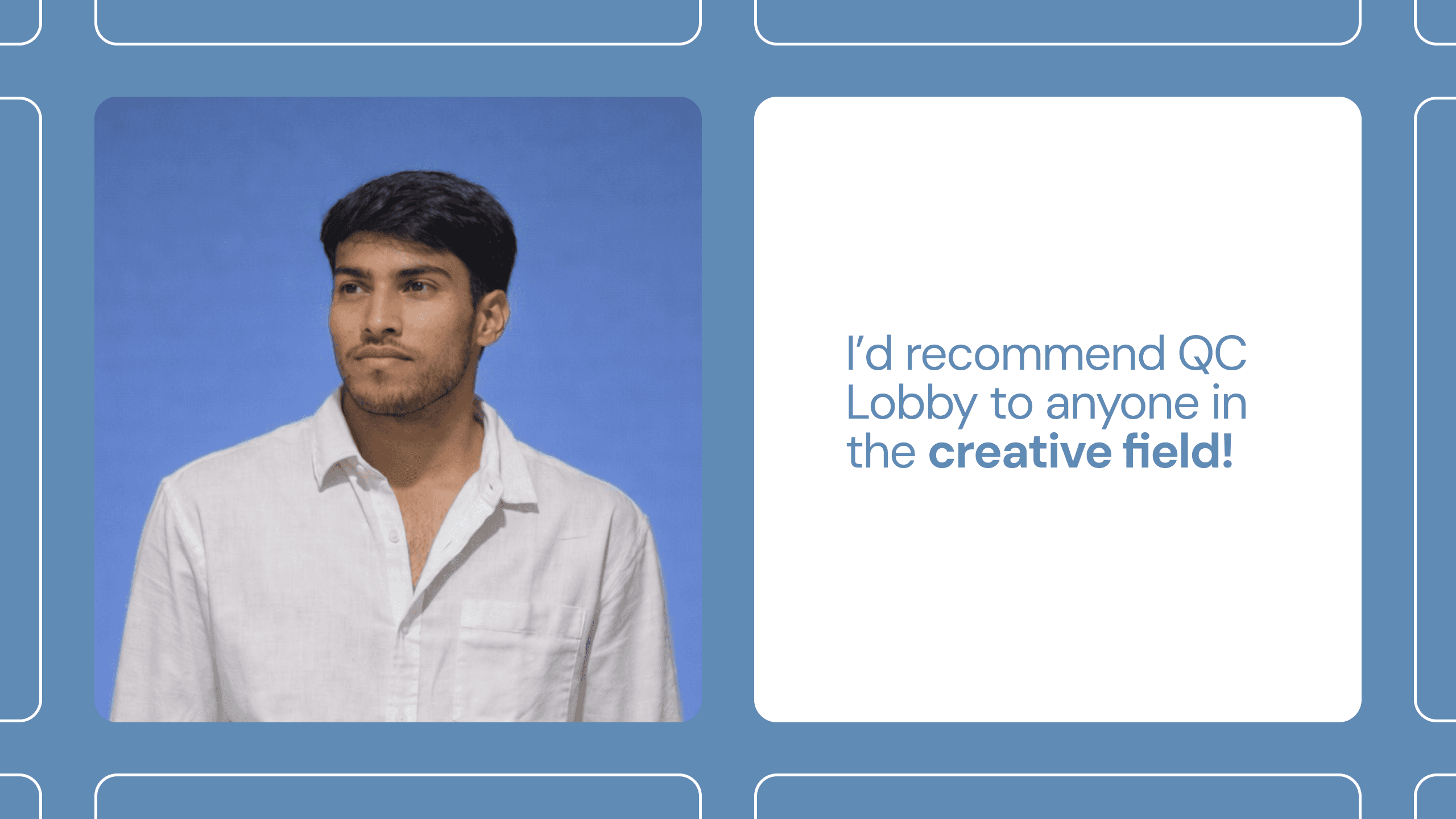
"I’d recommend QC Lobby to anyone in the creative field. It works great whether you're part of an agency or an independent editor."
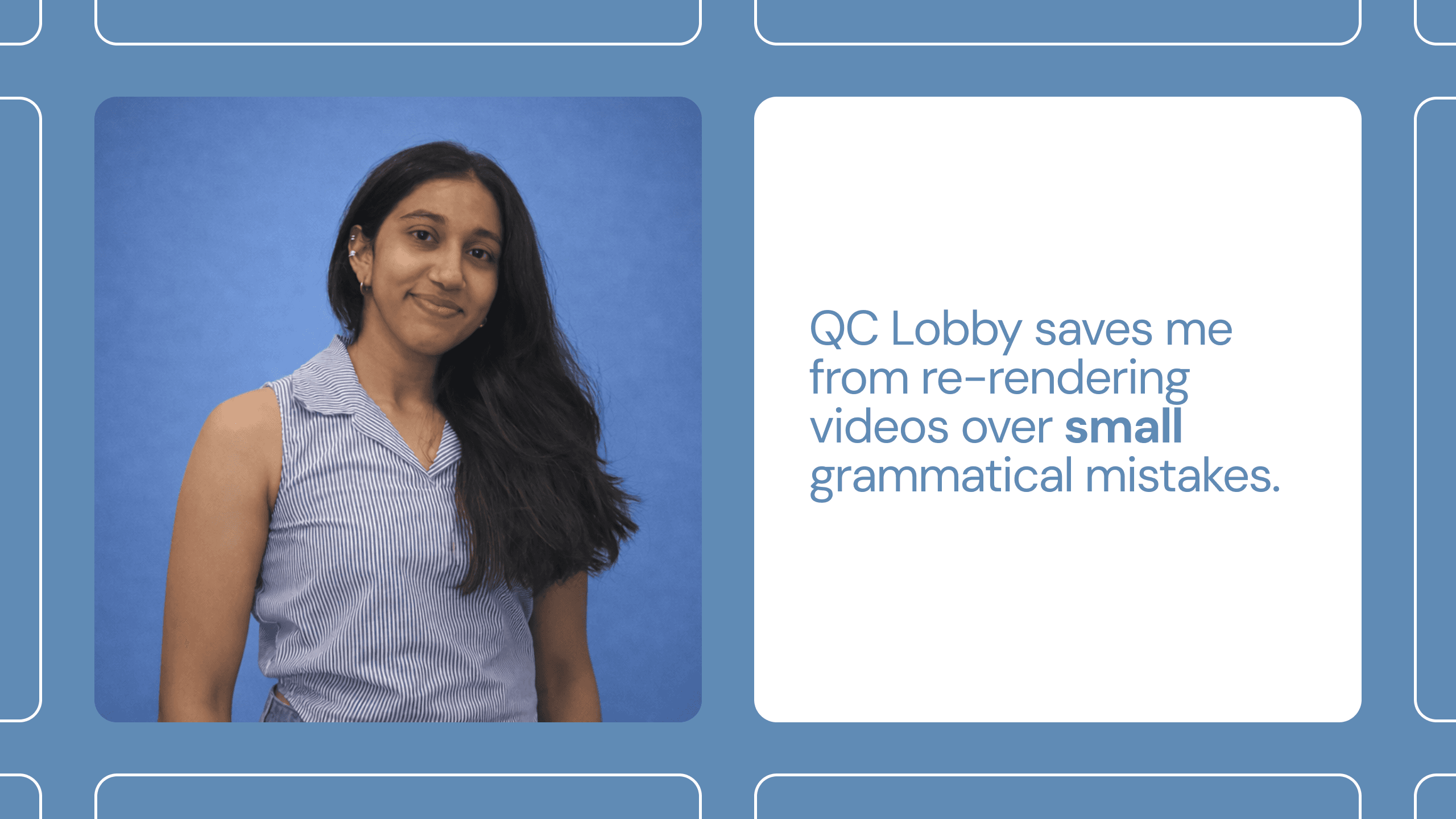
"QC Lobby saves me from re-rendering videos over small grammatical mistakes. It catches these issues early and saves a lot of time."
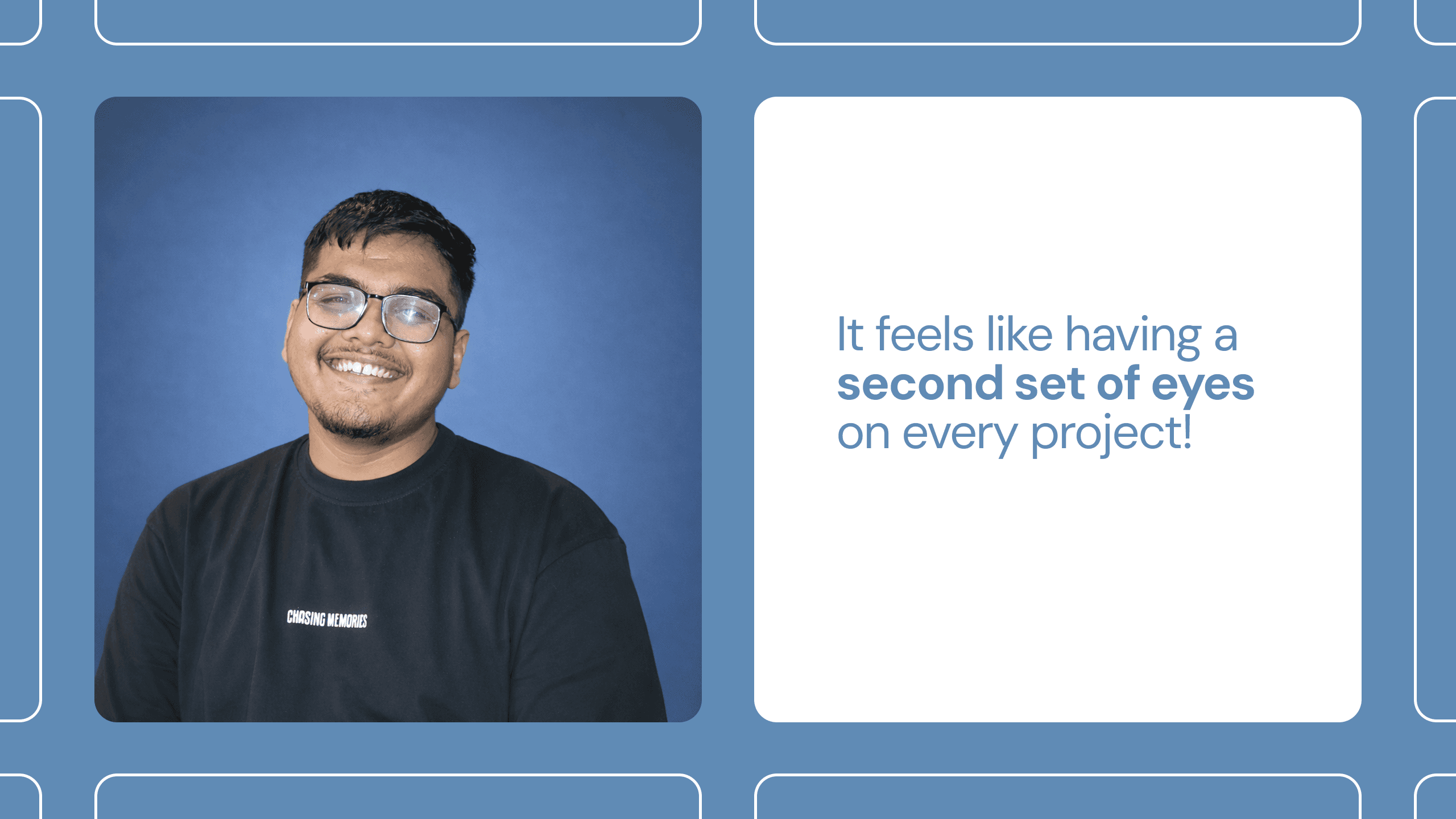
"It feels like having a second set of eyes on every project. I’d recommend QC Lobby to anyone in the creative space."
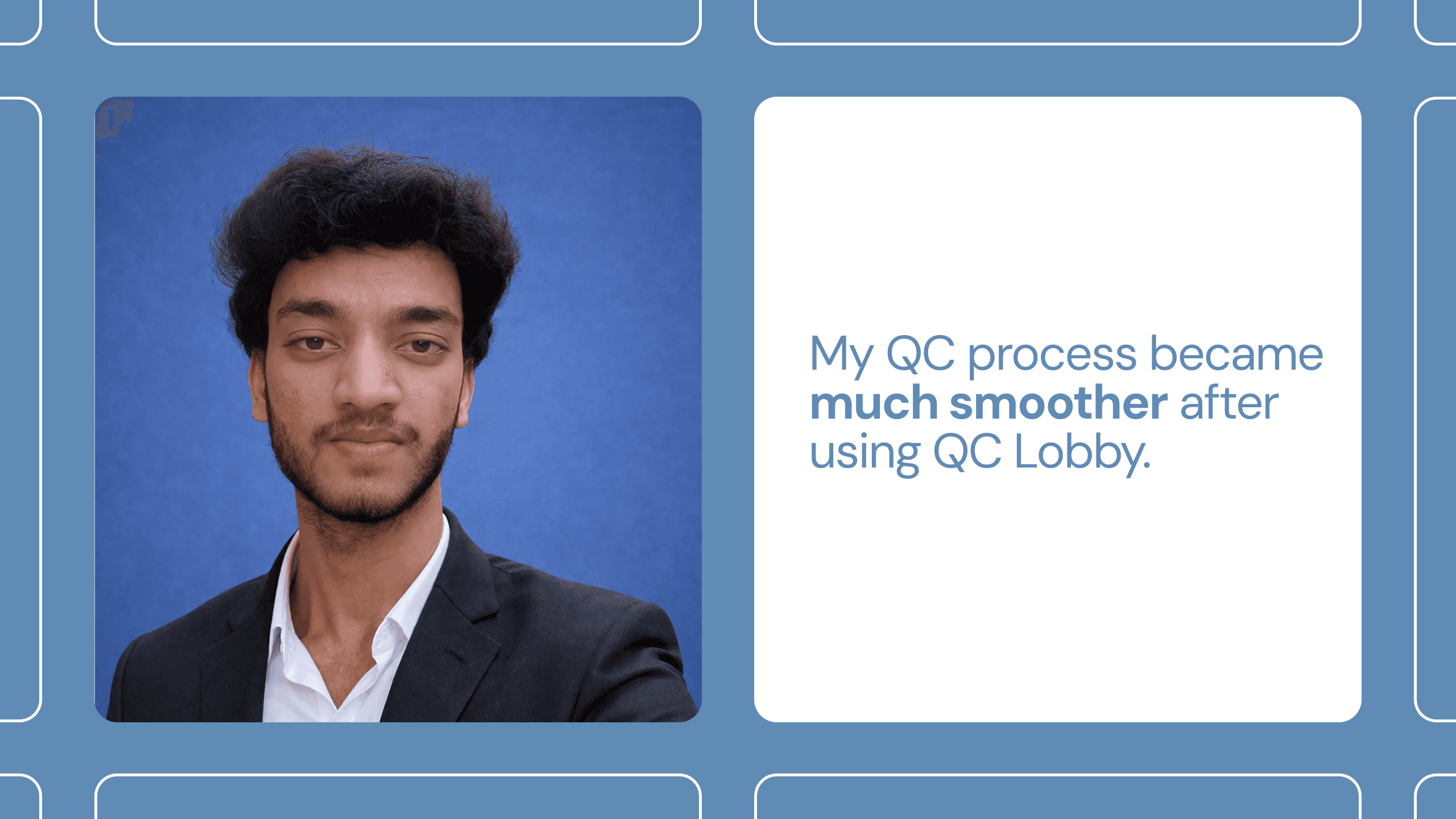
"My QC process became much smoother after using QC Lobby. It gives me more confidence before delivering work to clients."
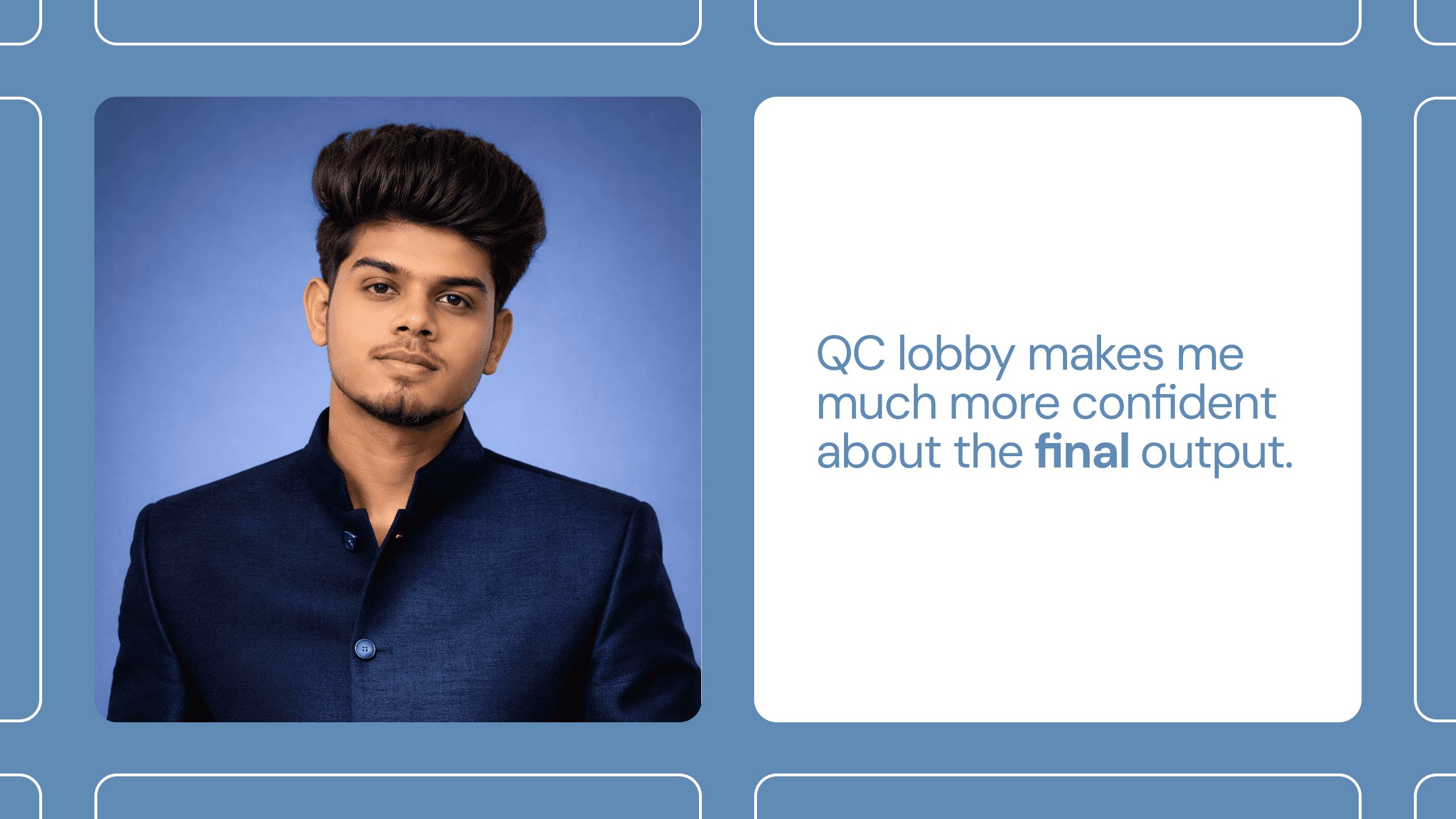
"QC Lobby helps me quickly spot grammatical errors in my edits. It makes me much more confident about the final output."
" QC Lobby has been a game changer for me. It’s simple, straightforward, and incredibly easy to use."
"I’d recommend QC Lobby to anyone in the creative field. It works great whether you're part of an agency or an independent editor."
"QC Lobby saves me from re-rendering videos over small grammatical mistakes. It catches these issues early and saves a lot of time."
"It feels like having a second set of eyes on every project. I’d recommend QC Lobby to anyone in the creative space."
"My QC process became much smoother after using QC Lobby. It gives me more confidence before delivering work to clients."
"QC Lobby helps me quickly spot grammatical errors in my edits. It makes me much more confident about the final output."
" QC Lobby has been a game changer for me. It’s simple, straightforward, and incredibly easy to use."
"I’d recommend QC Lobby to anyone in the creative field. It works great whether you're part of an agency or an independent editor."
"QC Lobby saves me from re-rendering videos over small grammatical mistakes. It catches these issues early and saves a lot of time."
"It feels like having a second set of eyes on every project. I’d recommend QC Lobby to anyone in the creative space."
"My QC process became much smoother after using QC Lobby. It gives me more confidence before delivering work to clients."
"QC Lobby helps me quickly spot grammatical errors in my edits. It makes me much more confident about the final output."
Pricing
Plans That Suit You
Plans That Suit You
₹800
/month
1,800 Credits
~30 Minutes of Polisher QC
~15 Minutes of Guardian QC
Features :
Linguistic Precision
Grammar & Tone Check
30+ Languages
Brief-Aware Review
Social Media Safe Zones
Brand & Assets Risk Scan
Timeline Marker Export
Priority Support
₹1200
/month /editor
/month /editor
3,600 Credits
~60 Minutes of Polisher QC
~30 Minutes of Guardian QC
Features :
Linguistic Precision
Grammar & Tone Check
30+ Languages
Brief-Aware Review
Social Media Safe Zones
Brand & Assets Risk Scan
Timeline Marker Export
Priority Support
Team Management
Individual
₹800
/month
1,800 Credits
~30 Minutes of Polisher QC
~15 Minutes of Guardian QC
Features :
Linguistic Precision
Grammar & Tone Check
30+ Languages
Brief-Aware Review
Social Media Safe Zones
Brand & Assets Risk Scan
Timeline Marker Export
Priority Support
₹1200
/month /editor
3,600 Credits
~60 Minutes of Polisher QC
~30 Minutes of Guardian QC
Features :
Linguistic Precision
Grammar & Tone Check
30+ Languages
Brief-Aware Review
Social Media Safe Zones
Brand & Assets Risk Scan
Timeline Marker Export
Priority Support
Team Management
Stop Stressing Over the "Export" Button
Join a community of professional editors using QCLobby to deliver flawless, client-ready work on the first try.
Stop Stressing Over the "Export" Button
Join a community of professional editors using QCLobby to deliver flawless, client-ready work on the first try.
Stop Stressing Over the "Export" Button
Join a community of professional editors using QCLobby to deliver flawless, client-ready work on the first try.
FAQs
How accurate is the AI at catching spelling and grammatical errors?
Can I import the QC results directly into my editing timeline?
Does the tool flag copyright-risky music or brand safety issues?
Is my video content secure?
What happens if I use all 30 minutes before the next billing date?
How accurate is the AI at catching spelling and grammatical errors?
Can I import the QC results directly into my editing timeline?
Does the tool flag copyright-risky music or brand safety issues?
Is my video content secure?
What happens if I use all 30 minutes before the next billing date?
QC Done in
4 Simple Steps
No complex setup. No learning curve.
Upload, scan, fix and deliver with confidence.
Step 1
Upload Your Video
Drag and drop your video file MP4, MOV, or MKV.
Step 2
Select Your QC Level
Select the level of scrutiny your edit needs. Choose The Polisher for a lightning-fast linguistic and grammar scan, or The Guardian for a deep-dive into brief compliance, safe zones, and brand safety.
Step 3
Fix & Deliver
Receive a timestamped list of red flags in minutes. Review findings in a clean PDF or export markers directly into Premiere Pro or DaVinci Resolve to fix every issue instantly.
Client-Ready PDF
Download your flagged comments in whatever format your workflow needs, ready to drop into your editing suite or share directly with your client.
Edit Decision List
Drop directly into Premiere Pro or DaVinci Resolve. Every flagged timestamp becomes an instant edit point, no manual searching required.
Universal XML
Compatible with Final Cut Pro and most professional editing pipelines. A universal format that fits into any studio workflow without friction.
Universal Sharing
Export and share QC feedback anywhere. From clients to team members, keep everyone aligned with clear, actionable comments.
Step 4
Take Your QC Report Anywhere
Download your flagged comments in whatever format your workflow needs, ready to drop into your editing suite or share directly with your client.